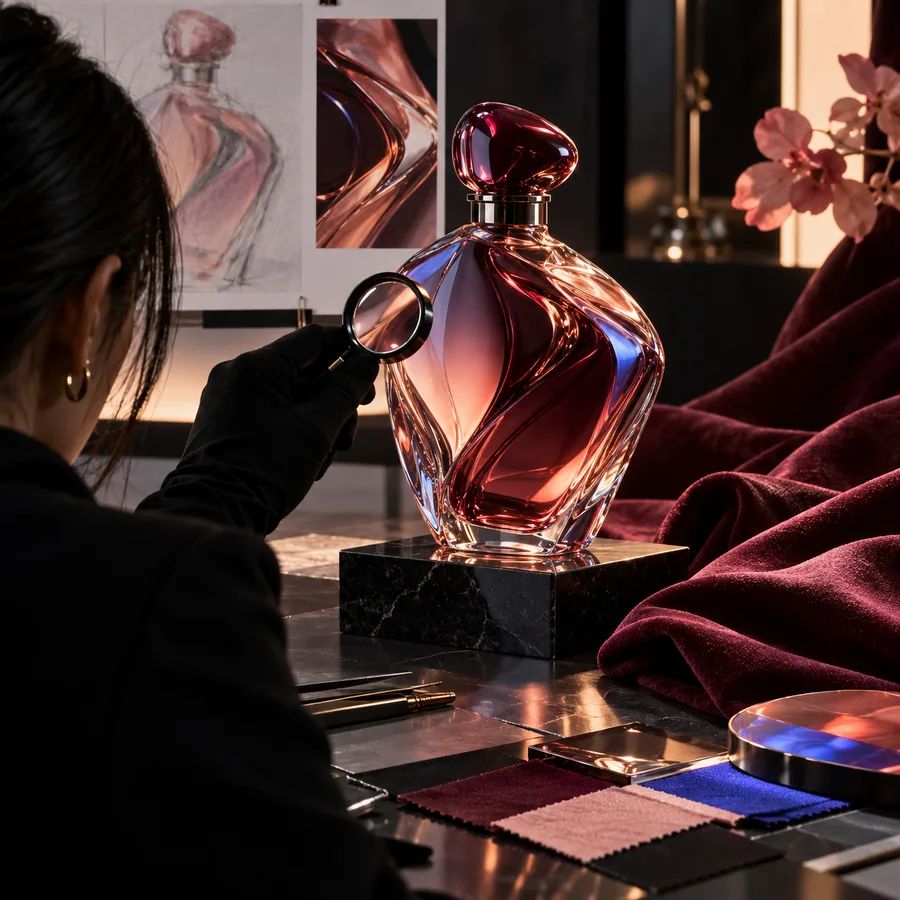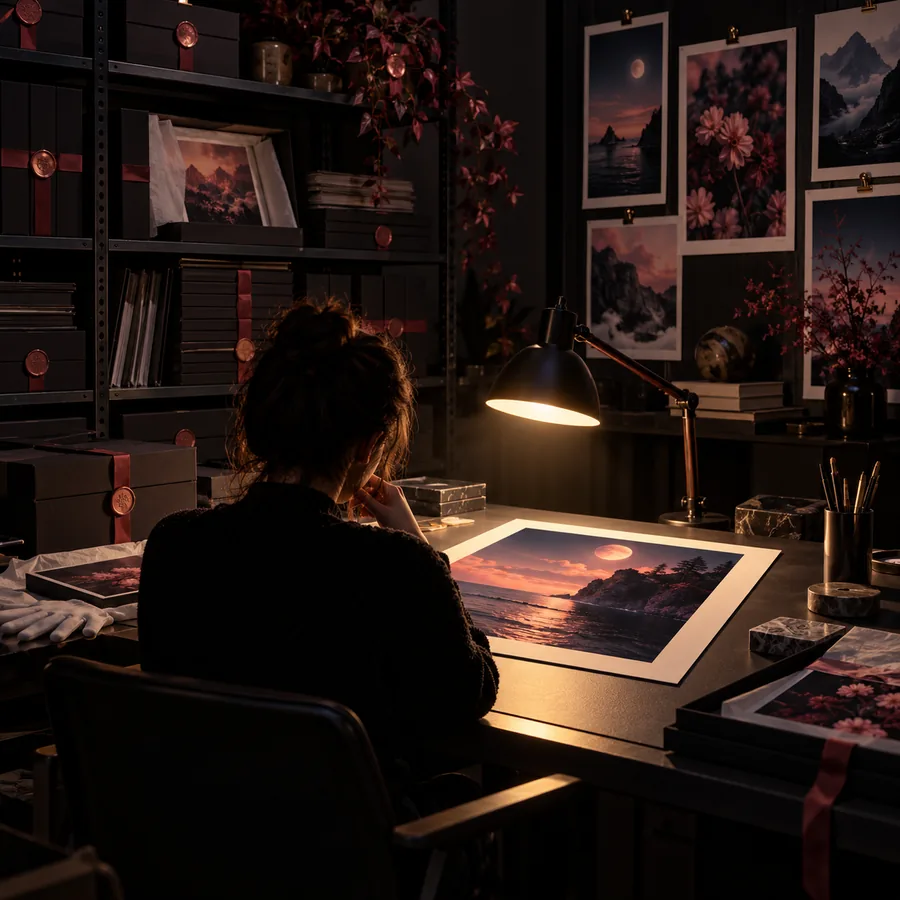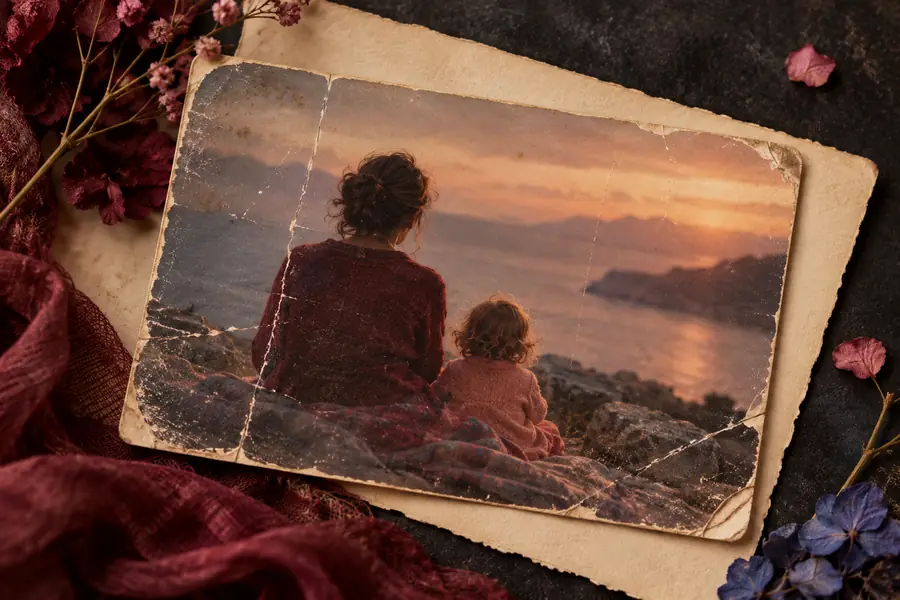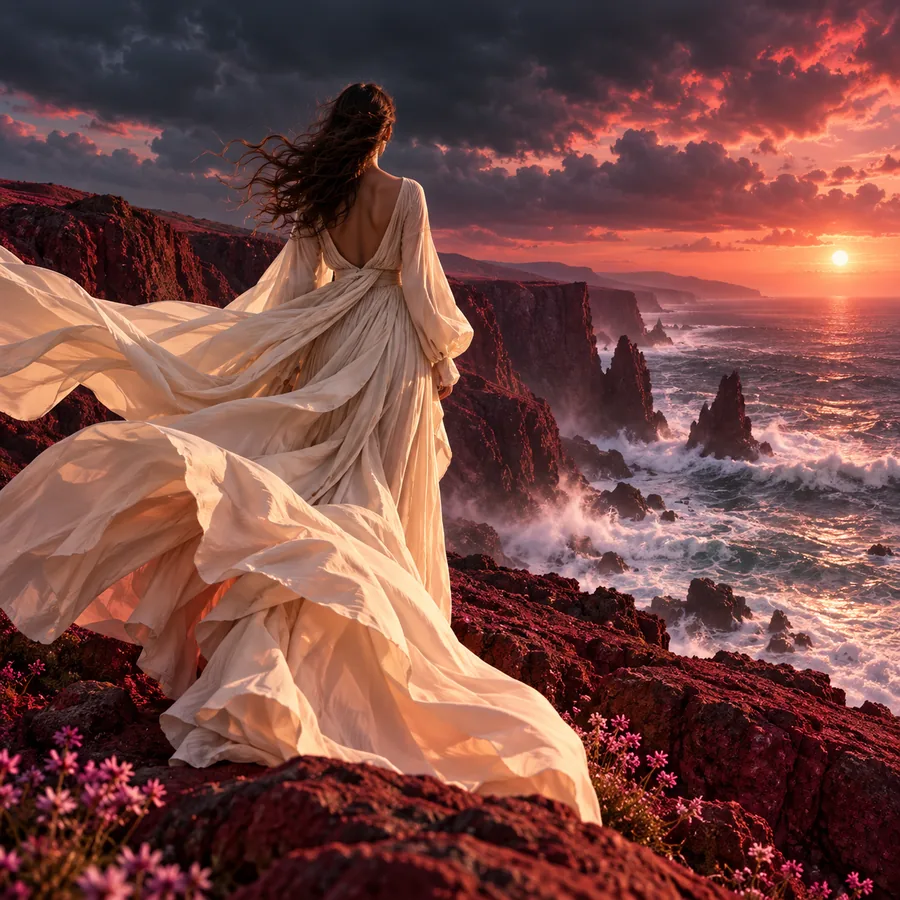
Image detail

See more in every image with the magnific enhancer

The magnific enhancer is a focused way to think about image refinement: protect the subject, recover useful detail, and avoid adding texture that was never there. Use the prompt below as a starting point, then adjust the direction around your source image.

Prompt handed to the partner
Detailed image enhancement scene with a refined subject

What the enhancer is designed to improve

Good enhancement is more than making an image look sharper. It is a controlled balance between visible detail, believable texture, and the character of the original.

Structured visual detail in an enhanced image Structure

Step 1

Recover structure first

Start with the information that defines the subject: facial features, product contours, lettering, architectural lines, or the silhouette of an object. A strong enhancement direction gives these structures priority before decorative texture.

  • Protect the original composition
  • Prioritize edges and key forms
  • Describe what must remain unchanged
Natural surface texture in a refined image Texture

Step 2

Add texture with restraint

Texture can make a result feel richer, but too much can turn skin into noise, fabric into repeating patterns, or surfaces into artificial detail. Specific language helps keep the result grounded in the source.

  • Name the material or surface
  • Ask for natural variation
  • Avoid exaggerated sharpness
Believable lighting and detail after image enhancement Fidelity

Step 3

Keep the image believable

The best output still feels like the same image after refinement. Mention identity, lighting, color relationships, and perspective when they matter so the enhancement supports the source instead of replacing it.

  • Preserve identity and lighting
  • Keep perspective consistent
  • Review small areas at full size

Three moves for a cleaner enhancement

A repeatable sequence makes it easier to compare results and identify which part of the prompt needs refinement.

  1. 1

    Describe the source

    Identify the image type, the main subject, and the details that matter most. Say what should stay intact before asking for a stronger finish.

  2. 2

    Set the detail direction

    Choose language that matches the intended result: natural texture, crisp edges, readable detail, soft finish, or controlled restoration. Avoid stacking vague quality words.

  3. 3

    Inspect and refine

    Compare the output against the source at the face, edges, text, and background. If a detail feels invented, revise the instruction toward preservation and realism.

Limits and edges to watch

Enhancement can clarify an image, but it cannot reliably recover information that the source never captured. The comparison is most useful when you inspect both the improvement and the interpretation.

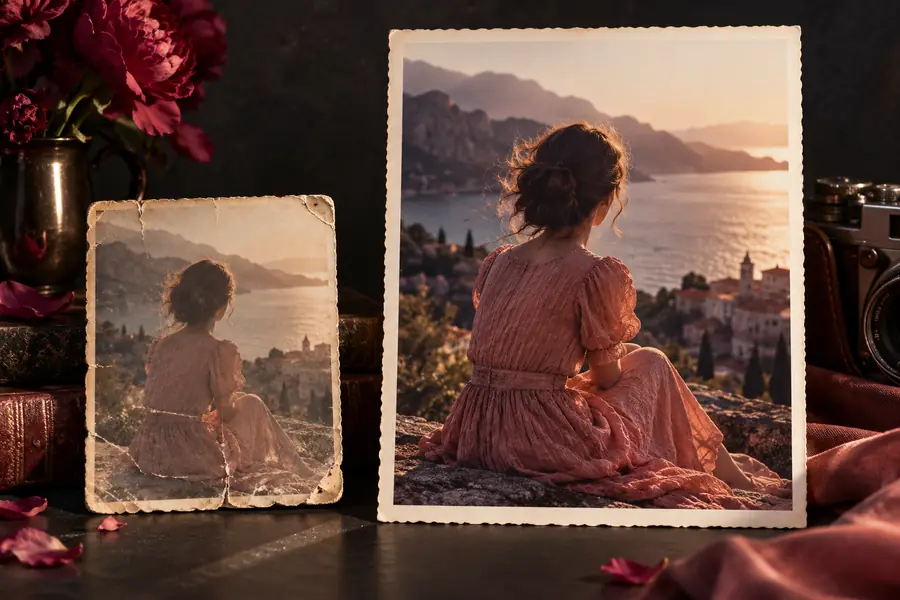
Source image before enhancement
Source
Refined image after enhancement
Enhanced

Look closely at faces, text, repeated patterns, and fine edges. A convincing result should add useful clarity without changing the subject, inventing lettering, or making every surface unnaturally crisp.

SourceEnhanced

Where image enhancement earns its place

Different subjects need different instructions. These use cases show how to frame the goal before you start refining an image.

Portrait creators

A portrait has a good pose and expression but looks soft around the eyes, hair, or clothing.

Ask for natural facial and hair detail while preserving identity, expression, skin tone, and the original light.

magnific upscaler

Product teams

A product image needs cleaner contours and more legible surface detail for a presentation or campaign draft.

Describe the material, edges, labels, and background separately so the enhancement strengthens the product without redesigning it.

magnific upscaler

Archive and print projects

An older scan or small image contains useful composition but lacks the clarity needed for a larger viewing format.

Focus on preserving the original marks and proportions, then review the output for invented texture or altered lettering.

magnific upscaler

Prompt patterns worth adapting

The strongest prompts name the subject, the important detail, and the boundaries of the edit. Use these examples as concise starting points rather than rigid formulas.

  1. 1 prompt, verbatim
    Enhance this portrait with natural skin texture, crisp eyes, soft hair detail, and clean edges while preserving the original expression.
    Portrait detail Face · hair · expression
    Enhanced portrait with natural facial detail Portrait result
  2. 2 prompt, verbatim
    Refine this product image with precise contours, realistic material texture, readable details, and the same lighting and composition.
    Product clarity Edges · material · label
    Refined product image with clearer contours Product result
  3. 3 prompt, verbatim
    Improve this scene with believable fine detail in the architecture and foreground while preserving perspective, color, and atmosphere.
    Scene refinement Structure · texture · atmosphere
    Detailed scene with balanced texture and structure Scene result

Adapt the nouns and boundaries to your source image; preserve identity, composition, and lighting whenever they are important.

A practical quality check

Use these three checkpoints to judge whether an enhancement is genuinely useful rather than merely more intense.

Check faces, edges, and text before approving a result
3 areas
Compare every variation with the original image
1 source
Reject added lettering, objects, or altered identity
0 inventions

Turn a soft source into a clearer starting point

Bring a specific image and a specific intention. Describe the detail you want to recover, the character you want to preserve, and the places where restraint matters most.

  • Describe the subject before the finish
  • Protect identity, lighting, and composition
  • Review detail at the edges as well as the center
Enhance an image

Enhancer questions, answered

These answers address the practical questions people ask when considering an image enhancement workflow.

It describes a workflow for making useful visual detail more apparent while keeping the source image recognizable. The goal is not simply maximum sharpness; it is a better balance of structure, texture, and fidelity.

Name the subject, identify the details that need attention, and state what must remain unchanged. Specific directions such as natural skin texture, clean product edges, or preserved perspective are more useful than repeating broad quality terms.

It may interpret or reconstruct details, but missing information cannot be recovered with certainty. Treat small text, faces, repeated patterns, and fine edges as areas that require close review after enhancement.

Usually, no. Maximum sharpness can create halos, noise, brittle textures, or an artificial look. A better instruction explains the desired level of clarity and asks the result to remain natural to the original.

They can overlap, but the emphasis is different. An upscaler usually centers on increasing usable image size, while an enhancer focuses more broadly on the appearance and interpretation of detail; the right choice depends on your source and intended output.

Start creating
Start creating